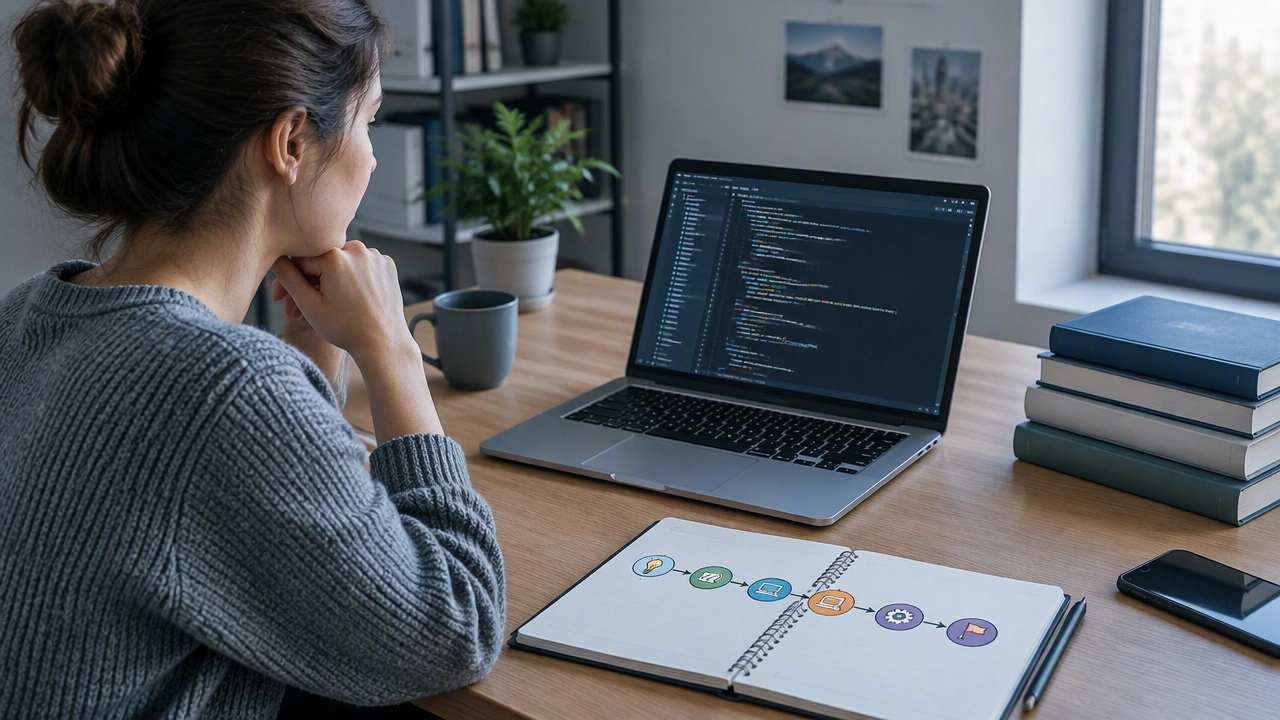
How to Start Learning to Code: A Practical Roadmap for Complete Beginners

Starting something new can feel noisy. Languages, editors, terminals, frameworks, and opinions all compete for your attention. If you want to know how to start learning to code as a complete beginner, you do not need everything at once. You need a small path, clear steps, and a few tools that make sense. This guide is designed like a technology school lesson: calm, specific, and focused on progress over perfection.
Choose one goal before you choose a language
Pick a simple outcome you care about. When you have a goal, the tools become easier to choose. For example:
- Automate small tasks on your computer, like renaming files or cleaning spreadsheets.
- Build a simple website with text, images, and a contact form.
- Explore data by reading a small CSV file and making basic charts.
- Understand how apps work by creating a tiny mobile or desktop project.
Start with one of these. You can always change direction later, but one goal keeps your first weeks focused.
Pick a beginner-friendly language that fits your goal
You do not need to compare every language. Choose one that matches your goal and has a gentle learning path:
- Python is great for automation, data, and learning core ideas. Its syntax reads almost like plain English, which lowers the barrier for beginners.
- JavaScript is useful if you want to build websites and see results in your browser quickly.
- HTML and CSS are not programming languages, but they are perfect if you want to design pages and understand how the web is structured.
- Scratch is a visual tool that helps you learn logic without typing code. It is a solid first step for building confidence.
If you are unsure, Python is a safe first choice. It is widely used, beginner-friendly, and supported by many tutorials.
Set up the smallest possible toolbox
You can begin with very little. Focus on tools that help you write, run, and save your work.
- A code editor such as VS Code. Install it, choose a clean theme, and turn on helpful features like auto-save.
- A terminal inside your editor. You will use it to run your code and install small helper packages.
- A browser if you are learning web development. The browser is your preview window and your debugging tool.
- A cloud playground if you want to skip setup. Sites like Replit let you write and run code online.
Keep your setup simple. Avoid installing five tools at once. Add more only when you feel a real need.
Learn a few core ideas that apply everywhere
Languages change, but the basics stay the same. Spend your first hours on these ideas:
- Variables store values like numbers, text, or lists.
- Conditions let your program make decisions, like if the input is empty, show a warning.
- Loops repeat actions, like printing every item in a list.
- Functions group steps so you can reuse them without copying code.
- Errors are normal. Reading error messages is a skill, not a sign of failure.
Practice each idea with a tiny example. Write it, change it, break it, and fix it. Short cycles build understanding faster than long readings.
Follow a simple weekly plan
Consistency beats intensity. A calm schedule helps you remember more and stress less.
- Week 1: Install your editor and language. Run your first program. Learn variables and print output.
- Week 2: Use conditions and loops. Solve small exercises like counting numbers or filtering a list.
- Week 3: Write your first function. Organize your code into files. Learn how to run code from the terminal.
- Week 4: Build a tiny project, such as a to-do list, a calculator, or a simple web page with a form.
Keep sessions short but regular. Thirty focused minutes a day often beats a single long session each week.
Build tiny projects that solve real problems
Projects make learning stick. Start with small tools you can use in daily life:
- A simple calculator that adds, subtracts, and multiplies.
- A file renamer that organizes photos or documents.
- A habit tracker that stores your progress in a text file.
- A personal web page with your bio, links, and a contact form.
Keep the scope small. A working project you finish is more valuable than a large project you never complete.
Read errors like clues, not threats
Error messages are part of the process. When you see one, try this:
- Read the last line first. It often names the file and line number.
- Check the type of error. Common ones are syntax mistakes, missing imports, and undefined variables.
- Search the exact message. Many beginners had the same problem before you.
- Print intermediate values. Seeing what your code holds at each step helps you find the issue faster.
When you fix an error, write one sentence about what caused it. Over time, you will recognize patterns and solve problems more quickly.
Use free learning resources wisely
You do not need to buy expensive courses to begin. Use a mix of resources:
- Official docs for your language or framework. They are reliable and often include beginner guides.
- Interactive platforms that give instant feedback while you practice.
- Short videos that explain one concept at a time. Pause often and type the code yourself.
- Community forums where you can ask clear questions and learn from past answers.
Limit yourself to two or three resources at a time. Too many tabs create confusion, not clarity.
Get help without getting stuck
Asking for help is a skill. Make it easier for others to guide you:
- Describe your goal, not just the error.
- Share the exact message and the steps you tried.
- Include a small example that reproduces the problem.
- Ask one focused question at a time.
When you get an answer, test it, then write a short note in your own words. This habit builds a personal reference you can reuse later.
Track your progress and celebrate small wins
Progress feels clearer when you write it down. Keep a simple log:
- What you learned today.
- What was hard and how you solved it.
- What you will try next.
Celebrate small milestones, like finishing your first project, understanding loops, or reading an error message without panic. These moments add up.
Move forward with a steady path
You do not need to master everything at once. Choose one goal, pick a beginner-friendly language, set up a small toolbox, learn core ideas, build tiny projects, and keep a steady rhythm. If you follow this roadmap and stay consistent, you will know how to start learning to code and you will see real progress week by week. Start small today, and let clarity grow with every step.