Technology School: A Complete Guide to What Students Learn
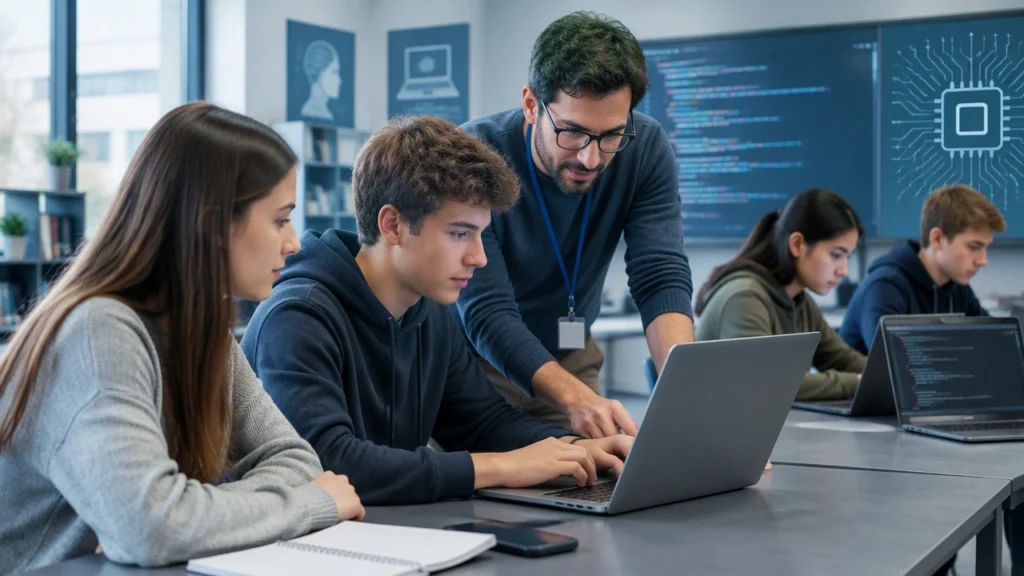
A technology school is an educational program or institution that teaches people how to use, build, and improve digital tools. It can range from a coding bootcamp to a vocational college or a university department, but the central goal is practical: students learn how computers work, how software is created, and how technical ideas solve real problems.
Understanding what is a technology school and what do students learn there helps prospective students choose a suitable path and set realistic expectations. This guide explains the typical curriculum, the way learning is organized, and the steps that turn classroom knowledge into useful, real-world skills.
What a technology school teaches
Technology programs usually begin with fundamentals before moving into specialized topics. The exact sequence varies, but most curricula cover a combination of concepts, tools, and projects.
Programming and problem solving
Programming is the core skill of many technology courses. Students learn to express instructions clearly, break large problems into smaller parts, and test whether a solution works. Early exercises may involve variables, conditions, loops, functions, and data structures. Later work introduces algorithms, debugging, code organization, and collaboration practices such as version control.
Common languages include Python, JavaScript, Java, C#, or SQL, depending on the program’s focus. The language matters less than the habits students develop: reading documentation, tracing errors, naming things clearly, and refining a solution through repeated feedback.
Computer systems and networks
Students also learn how hardware and software interact. Topics often include operating systems, files, memory, processors, networks, internet protocols, and cloud services. These concepts explain why an application is slow, why data appears in the wrong place, or how a website reaches a user in another country.
Data, security, and digital responsibility
Many programs introduce databases, data analysis, cybersecurity, privacy, and ethical considerations. Students learn to store information responsibly, validate inputs, protect credentials, and understand the social impact of automated decisions. This part of the curriculum connects technical choices with trust, safety, and legal responsibilities.
How learning is structured
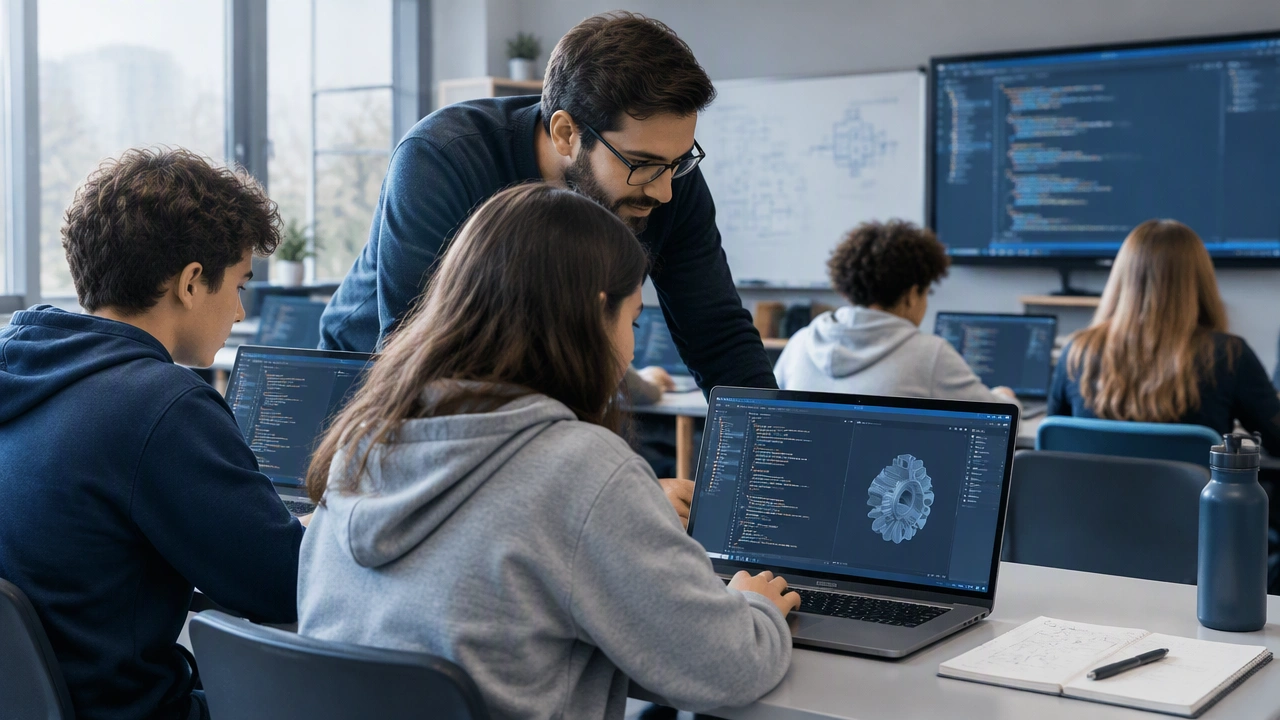
A well-designed technology course balances explanation, demonstration, guided practice, and independent work. A typical week might include a short lecture or reading, a live coding demonstration, a hands-on lab, and a project checkpoint. The structure gradually removes scaffolding so that students take more ownership of their work.
Foundations first, then specialization
The first phase usually establishes shared vocabulary and basic tooling. Students set up development environments, practice debugging, and learn to search effectively. Once the foundations are stable, the program branches into areas such as web development, mobile applications, data engineering, cloud administration, or cybersecurity.
Projects as the main learning method
Projects are where separate lessons become a coherent skill. A beginner might build a task manager, a data dashboard, or a small API. Each project introduces constraints: incomplete requirements, changing specifications, limited time, or the need to work with someone else’s code. These constraints mirror real work more closely than isolated exercises.
Feedback, review, and iteration
Students present progress, receive critiques, and revise their work. Code reviews teach learners to explain decisions, spot hidden assumptions, and accept suggestions without taking criticism personally. Iteration is important because technical quality rarely appears in the first draft.
From knowledge to real-world skills
Knowing a concept is different from being able to use it under pressure. Students convert knowledge into capability through deliberate practice and repeated exposure to realistic situations.
Build a portfolio that shows decisions
A portfolio should demonstrate more than finished screens. Include the problem, the constraints, the approach, and the trade-offs. Show a repository with clear instructions, meaningful commits, tests where appropriate, and a short explanation of what you would improve next. Employers and collaborators look for evidence of thinking, not only polished output.
Practice with constraints and collaboration
Work on projects with deadlines, incomplete briefs, or existing codebases. Contribute to open-source projects, join a study group, or recreate a small feature from an application you use. Collaboration exposes students to different naming styles, communication habits, and ways of solving the same problem.
Learn to debug and document
Professional work involves maintaining software as much as creating it. Practice reproducing bugs, reading logs, isolating variables, and writing notes that another person can follow. Documentation turns personal understanding into knowledge a team can reuse.
Connect study to an industry context
Choose projects that reflect the environment you want to enter. A student interested in e-commerce might study payments, inventory, and accessibility. A student aiming at data work might focus on cleaning messy datasets, visualizing results, and explaining uncertainty. Context makes technical skills easier to remember and evaluate.
How to choose the right program
Look for transparent outcomes, a visible curriculum, and evidence of hands-on work. Ask how much time students spend coding, how projects are assessed, whether instructors provide feedback, and what support exists after graduation. Compare the pace with your schedule and prior experience. A demanding program is useful only when you can engage with it consistently.
It also helps to define a specific goal. Some learners need job-ready web development skills in a few months; others want a broad foundation before university study. The right technology school should match your goal, preferred learning style, and budget.
A practical path forward
Start with one language and a small project. Learn the basics of version control, testing, and debugging early. Keep a short learning log: record problems, solutions, and questions. Review that log weekly to notice patterns and choose the next topic deliberately.
Technology education is not about memorizing every tool. It is about building a reliable way to learn, test ideas, and communicate results. With a structured curriculum, regular practice, and projects that resemble real work, students can turn technical knowledge into skills that remain useful as tools and industries change.