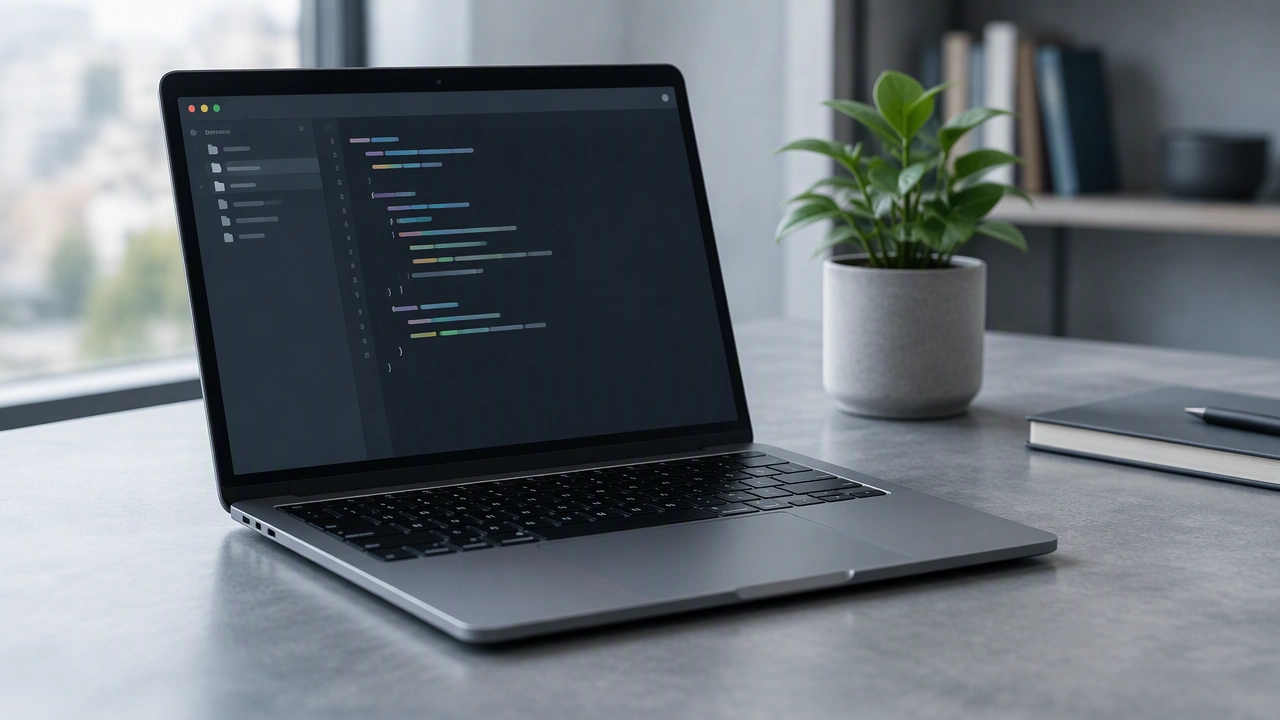
A good code editor should reduce friction without hiding the fundamentals. Start with the language you are learning and check that the editor provides reliable syntax highlighting, error markers, and a built-in terminal. Automatic formatting helps you write consistent code, while autocomplete can save time once you understand the underlying structure. Look for simple debugging tools that let you pause execution and inspect values. Extensions should be easy to add and disable, because too many plugins can make the interface confusing. Choose documentation and tutorials that match your editor version, and learn a small set of keyboard shortcuts before exploring advanced features. Test the editor with a tiny project covering files, folders, and version control. The best choice is the one that stays predictable, starts quickly, and leaves enough attention for solving the actual problem.